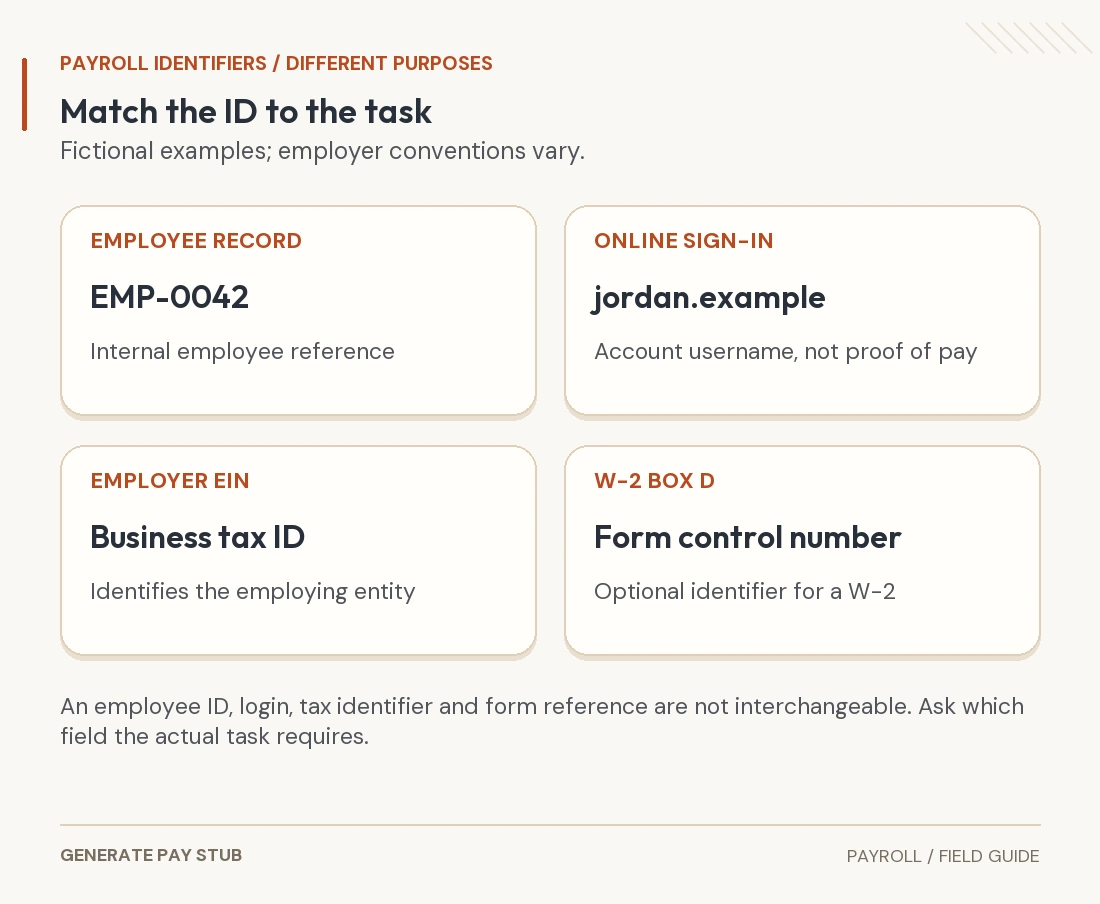
An employee ID on a pay stub is generally an identifier assigned within an employer’s HR or payroll system. It helps connect a statement to an employee record. It is different from the employer’s federal tax ID, and it should not automatically be treated as a Social Security number, portal username or payment reference.
If an application asks for your employee ID, find the exact field the organization means before entering a number. This guide explains where to look, how to separate similar labels, and what to do when an ID changes between statements. Employer systems vary; there is no single format or page location that works for every payroll provider.
Where can you find your employee ID on a pay stub?
Open the detailed pay statement issued through your employer’s approved payroll route. Look near your name and employment details for a clearly labeled employee, associate, personnel or payroll identifier. Those labels can describe different records in different systems, so the label matters as much as the number.
Next, compare the employer’s HR profile, onboarding information or instructions for the specific application you are completing. If a field is missing or ambiguous, ask payroll which identifier that task requires. A useful request names the task: “Which ID from my pay statement should I use for this benefits enrollment?”
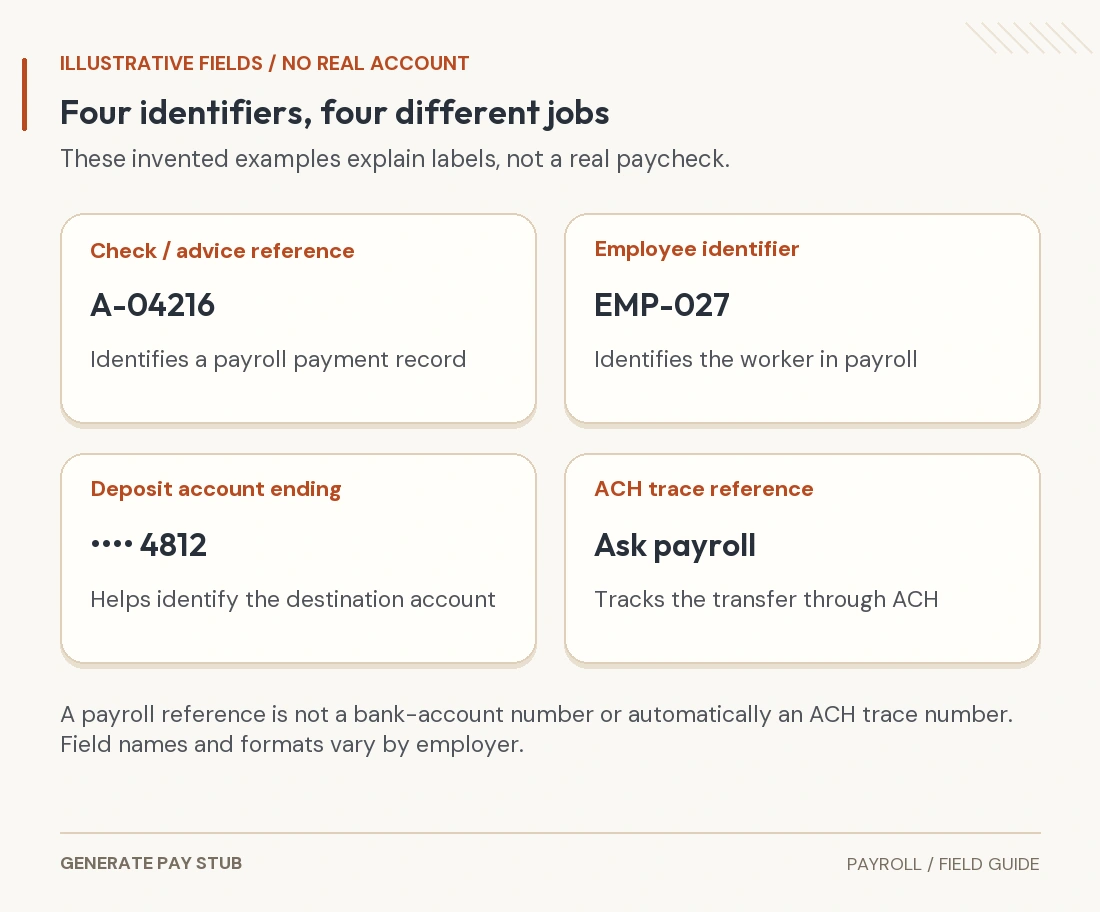
Do not assume a sequence of digits is the employee ID merely because it appears beside your name. A location code, department code, check number and partial account reference can appear in the same area. The employer can explain its own field definitions.
As a real example of separate identifiers, the University of Washington’s identity guide distinguishes an employee ID issued through Workday from the UW NetID used for online access. That example illustrates the distinction; it does not establish another employer’s format or navigation.
Employee ID, EIN, SSN and control number: what is the difference?

| Identifier | What it identifies | What to confirm |
|---|---|---|
| Employee or associate ID | An employee record within the relevant employer/system | Whether the task needs this ID, another payroll ID or a separate benefits reference. |
| Employer EIN / FEIN | The employer’s federal tax identification | The actual employing entity; this is not your personal employee number. |
| Employee SSN | A government-issued personal identifier used for specified purposes | Whether the request lawfully requires it and which secure channel to use. |
| Portal user ID | An account used to sign in | The correct employer-assigned portal and account-recovery process. |
| W-2 box d control number | An employer’s optional identifier for an individual W-2 | Whether the employer or tax software specifically asks for that form reference. |
| Check or advice number | A payment or statement reference in the payroll records | Whether the request concerns a payment, rather than the employee record. |
The IRS’s 2026 W-2 instructions say box d can identify individual Forms W-2 and is optional. A blank box d does not, by itself, mean your employee ID is missing. A control number also does not become an EIN or SSN because an online form asks for an identifier.
For the employer-side distinction, see EIN and FEIN on a pay stub. For a payment-specific question, see check numbers, advice numbers and ACH references. Keep those separate tasks separate when requesting help.
What if you know your employee ID but cannot sign in?
An employee ID is not necessarily the portal username. Entering it repeatedly into a username field may not recover the account. Use the recovery route offered by the correct payroll service or ask the employer’s payroll/HR contact to confirm the assigned access method.
For example, ADP’s employee login help describes user-ID and password recovery and directs employees to their company payroll or HR contact when assistance is needed. Follow the instructions for your actual ADP product and employer; possession of an employee number alone does not establish account access.
If you have left the employer, request its current former-employee route or official copies. Do not assume your old work email, single sign-on or employee ID will continue to unlock the same portal. Our electronic pay-stub access guide explains the document-access question in more detail.
Why might an employee ID change between pay stubs?
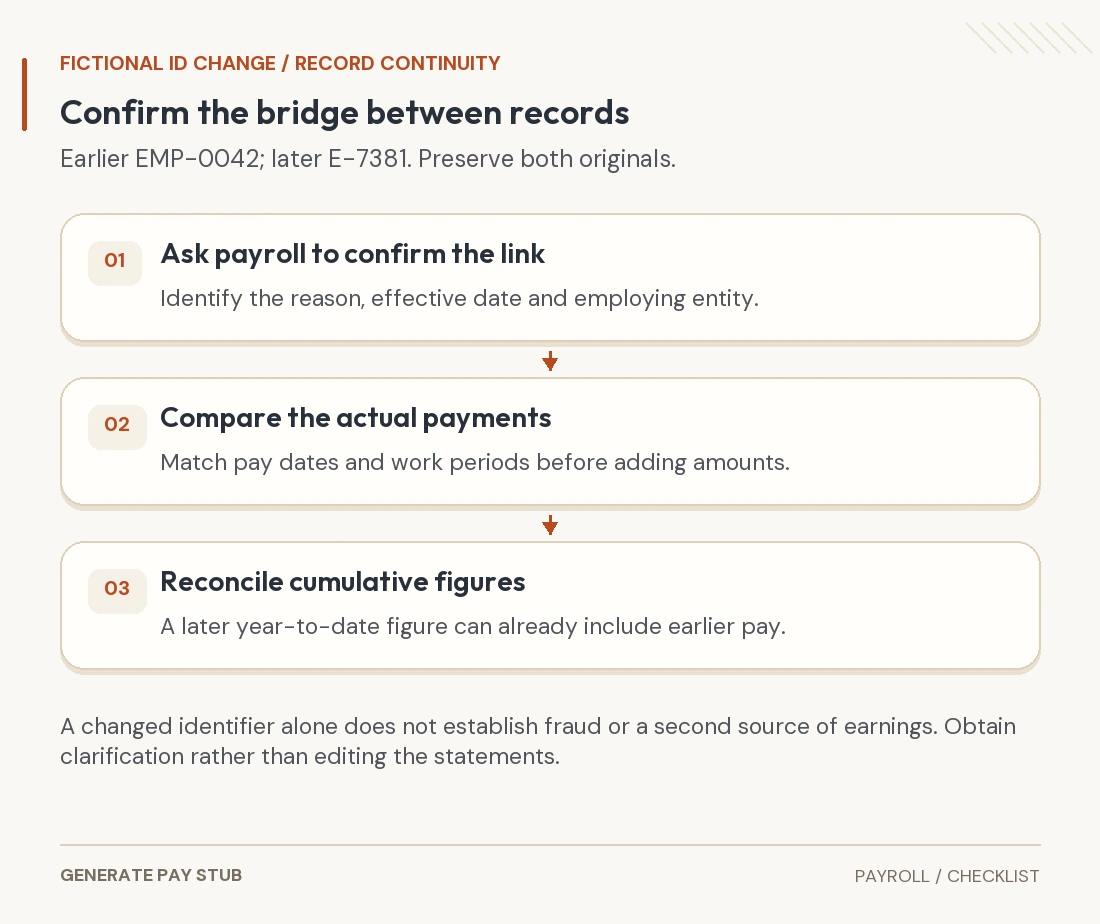
A changed identifier calls for a records check, not an immediate conclusion about the document. Ask whether the change reflects a payroll migration, rehire, new employing entity or another employer-specific reason. The employer must confirm which records belong together; a matching name alone is not a complete reconciliation.
Consider a fictional example: earlier statements show EMP-0042 and a later system shows E-7381. Save both original statements and ask payroll to confirm the relationship and effective date. Check the employing entity, pay dates and year-to-date treatment rather than editing one PDF to make the numbers match.

Be especially careful with year-to-date totals. A later cumulative figure can already include earnings from the earlier system. Adding that cumulative total to the earlier cumulative total can count the same wages twice. If two legal employers are involved, do not assume their tax records should be combined into one employer record.
When the amount is also wrong, ask for a payroll correction and a corrected official statement as appropriate. An employee-number clarification does not itself resolve missing hours, deductions or a duplicate payment.
Should you share an employee ID with a landlord or lender?
Ask what the recipient needs and use its approved submission process. An internal employee ID is not, by itself, proof of earnings or a general authorization for someone else to enter your payroll account. Do not share a password or one-time security code to make the number usable.
The FTC’s business privacy guide advises against unnecessary use of SSNs as employee identifiers. A legitimate request for an internal ID is not a reason to substitute a full SSN. Confirm the field and protect the underlying statement.
If a recipient asks you to remove sensitive details, agree on acceptable redaction first and preserve the original. Do not change the employer, amounts or identifiers to satisfy a form. A request for a different document should be resolved with the issuer or recipient.
Common questions about employee IDs
Is an employee ID the same as an EIN?
No. The internal employee record and the employer’s federal tax identification serve different purposes.
Can I find my employee ID through a universal public lookup?
Use your employer’s records or authorized support. Do not expect one public directory to identify every organization’s internal employee numbers.
Does every pay stub have to display the same employee-ID format?
No universal format is established here. Statement requirements depend on applicable law, and employer field conventions vary.
Does a new ID mean I should create a second income record?
Confirm the change with payroll first. Preserve original documents and reconcile payment dates and cumulative amounts before treating records as separate earnings.