
An invoice and a pay stub can both mention work and money, but they answer different questions. An invoice generally tells a customer what to pay for goods or services. A pay stub explains an employee’s payroll payment, including earnings and deductions.
Choosing the right document starts with the transaction you are recording. Reformatting an invoice as a pay stub does not turn a client payment into employee wages.
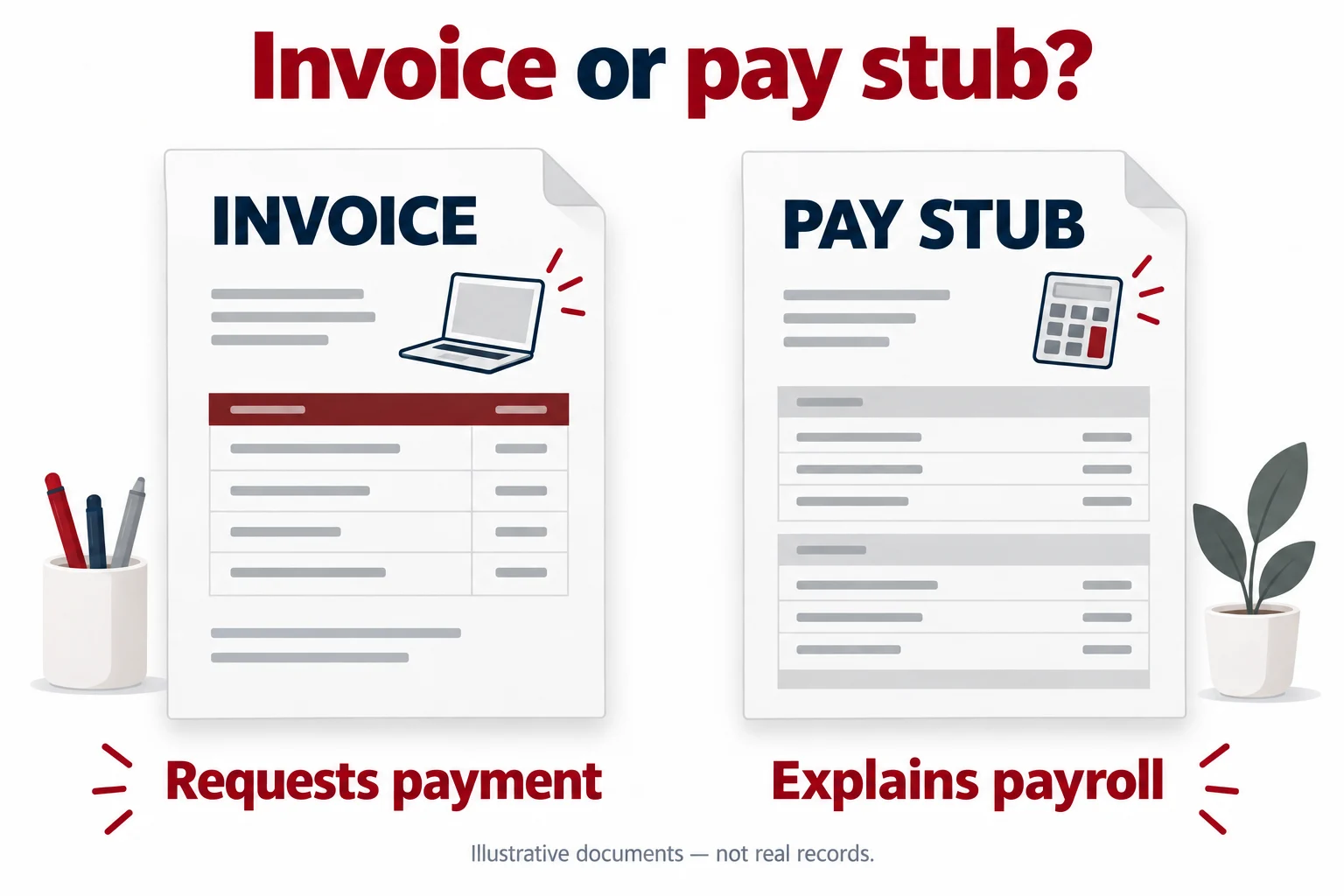
What an invoice tells the customer
An invoice identifies a charge. It commonly connects a seller or service provider with a customer, describes the goods or work, and states the amount due and payment terms. Its reference number helps both sides connect the charge with later correspondence or a payment.
The Australian government’s general introduction to invoicing describes this payment-request function. Its local tax-invoice rules are Australian requirements, not instructions for U.S. payroll.
A document that says money is due is not, by itself, confirmation that the money arrived. To track settlement, connect the invoice with a receipt, remittance information, or the relevant payment transaction. An invoice marked paid can help record its status, but the underlying transaction still matters.
What a pay stub tells the employee
A pay stub describes payroll for a particular payment. It can show the period covered, gross earnings, individual deductions, and net pay. Some formats also include hours, rates, or cumulative totals.
The Consumer Financial Protection Bureau’s paycheck education material explains the role of a pay stub in recording earnings and deductions. This breakdown serves a different purpose from a bill asking a customer to pay.
The exact statement fields you need depend on the payroll and applicable requirements. A document template is a way to present the information; it is not a substitute for establishing the correct payroll figures.
The same dollar amount can describe different events
A freelance designer invoices a client $900 for a completed project. The $900 is the amount billed for the service. The designer tracks whether the client pays that invoice.
Separately, an employee’s payroll record shows $900 in gross earnings and $135 in employee deductions, leaving $765 in net pay: $900 − $135 = $765. The $135 is an invented total, not a tax estimate or recommended withholding amount.
The matching $900 amounts do not make the documents interchangeable. In one case, a customer is being billed. In the other, the statement explains a payroll calculation. The designer’s invoice should not acquire employee deductions simply to resemble the employee’s pay stub.
A document title does not decide worker status
A business may receive invoices from service providers and issue payroll statements to employees. However, the paperwork someone chooses does not settle whether the person has been classified correctly.
For U.S. federal employment-tax purposes, the IRS looks at the actual working relationship, including behavioral control, financial control, and the type of relationship between the parties. Its employee-or-independent-contractor guidance explains that assessment. Other legal tests can apply for other purposes.
If classification is uncertain, resolve it with appropriate professional advice before selecting a payroll workflow. Do not rely on an invoice heading or a generated pay stub to answer that question.
Use the record that answers the request
- A customer needs a bill: provide the appropriate invoice for the actual goods or services supplied.
- An employee needs a breakdown of wages: use the employer’s payroll statement or request it from payroll.
- Someone needs confirmation of settlement: identify the payment record and connect it to the relevant transaction.
- An organization asks for income documentation: ask which records it accepts for your circumstances before preparing a submission.
If you receive income from client work, explain that arrangement to the recipient rather than presenting it as employment wages. Acceptance of any document depends on the recipient’s requirements; creating a particular format does not guarantee acceptance.
Where GeneratePayStub.com fits
When you have legitimate payroll information to present, GeneratePayStub.com offers regular and enhanced pay stub formats. Choose the fields that match the record you need to document and enter figures supported by your payroll information.
Before starting, use our source-record preparation checklist. Once your statement is saved, follow our PDF review steps to check that the final file is complete and readable.