Before you generate a pay stub, put together a small set of source records for the payment you want to document. The useful question is not just “Do I have a number for this field?” It is “Can I identify where that number came from?”
This checklist is for a business owner or an authorized person preparing an employee pay statement from existing payroll information. It helps you organize the handoff from payroll records to a finished document, without guessing missing amounts.
Give each pay stub field a source
A short worksheet can make preparation easier. List the field, the record you will use, and anything that still needs clarification. The table below is an organizing aid, not a list of fields every jurisdiction requires on a pay statement.
| Information to prepare | Where to look | Question to resolve |
|---|---|---|
| Employer and employee details | Current business and employee payroll records | Is this the correct person and employing business? |
| Pay period and payment date | Payroll calendar and the specific payroll run | Do these dates describe the payment being documented? |
| Hours and applicable pay rates | Approved time entries and the rate record effective for that work | Were any hours or rates revised before payroll was finalized? |
| Earnings and adjustments | Final payroll register and supporting adjustment records | Does the total include the correct earning lines once each? |
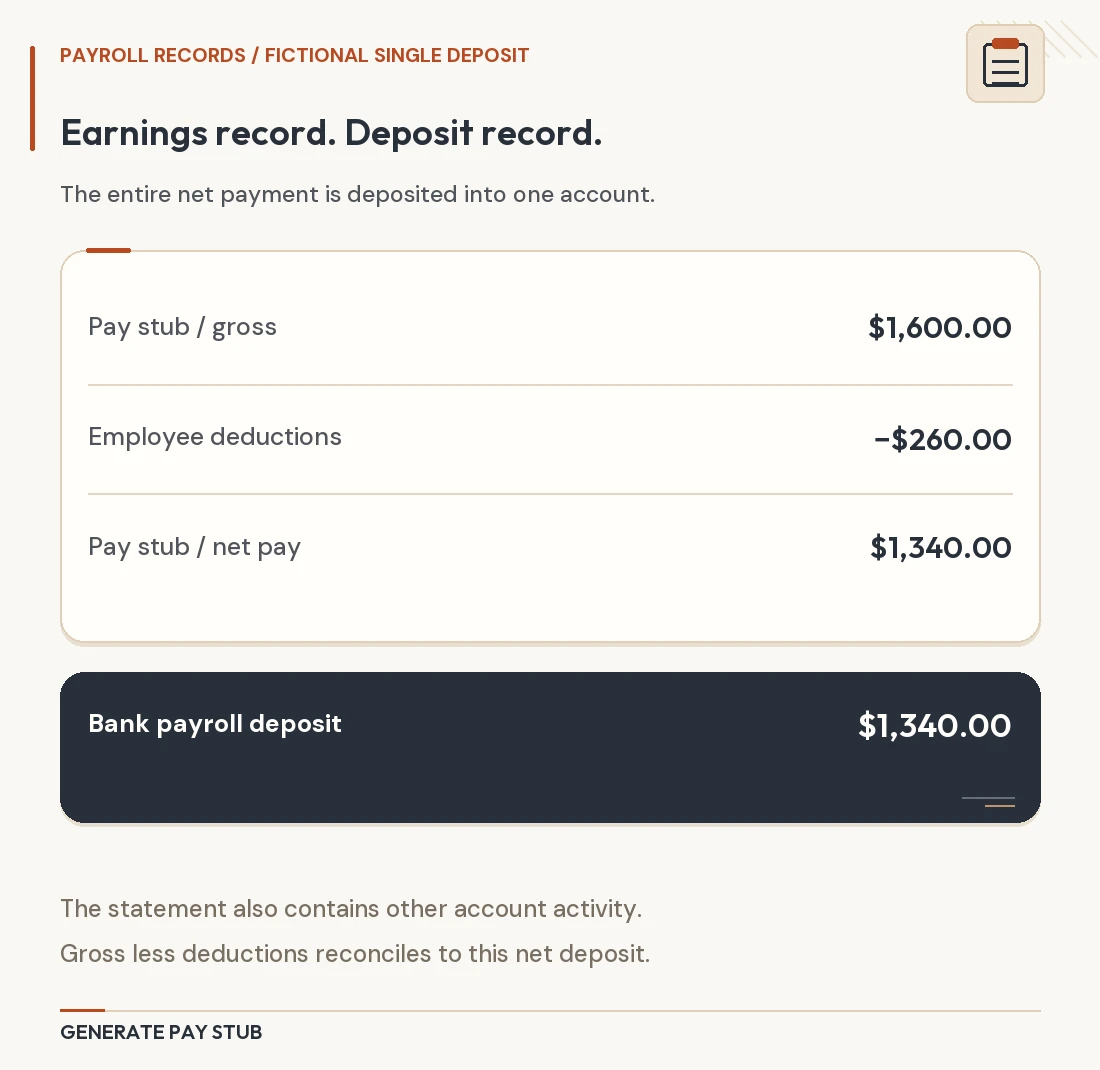
| Employee deductions | Payroll deduction detail for that payment | Are the labels and amounts from this run rather than an earlier one? |
| Year-to-date fields, if used | Cumulative payroll report with a clear cutoff | Does this report already include the current payment? |
There is a reason to retain the underlying detail. For covered employers and nonexempt workers, the U.S. Department of Labor identifies daily and weekly hours, the wage basis, earnings, deductions, and payment timing among the payroll records employers must maintain. Its recordkeeping fact sheet concerns employer records; it should not be treated as a universal pay-stub layout.
Build a packet for one payment, not an entire month
Save the relevant source documents together in a restricted folder, using your existing payroll reference if you have one. For example, a packet might contain a finalized payroll report, approved time entries, and the explanation for an adjustment. Keep unrelated employee records outside that packet.
Record which payroll run the packet describes. A monthly report can contain several payments, while a single pay statement may describe only one. If you start from a larger report, mark the specific row or payment reference you are using so a reviewer can find it again.
Also distinguish employer payroll files from the document you intend to share. The IRS lists employee identification information and withholding certificates among employment-tax records. That does not mean every item belongs on a distributed pay stub. See the IRS’s employment-tax recordkeeping guidance for the broader record set.
When two records disagree, stop at the difference
A mismatch is a question to resolve before you generate the document. Do not pick the value that makes the totals look more convenient. Identify the two versions, ask the person responsible for payroll which one is final, and keep the explanation with your preparation notes.
A preliminary worksheet lists 36 regular hours at $24 per hour, or $864. The approved record later lists 38 regular hours at the same rate, or $912. The difference is $48: 2 × $24.
This example assumes only regular hourly earnings and illustrates a version check, not a complete payroll calculation. Confirm that payroll has processed the approved hours before using $912 in the statement. Do not combine the revised earnings with deductions copied from the preliminary run.
A useful note would identify the superseded worksheet and the approved replacement. “Updated hours” alone may be difficult to trace later; the file name, payroll reference, and reason for the change make the decision easier to review.
Separate “ready to enter” from “ready to issue”
Mark the packet ready for entry once its questions are resolved. After entering the details, compare the generated preview with that same packet. This second review catches transcription mistakes that can happen even when the source information is correct.
- Identity: the preview belongs to the person and business in the packet.
- Payment: the dates and payroll reference point to the intended run.
- Line items: each earning and deduction matches its source, including any corrected entries.
- Cumulative values: the cutoff is consistent across any year-to-date fields.
- Version: the saved statement is the reviewed version, and earlier drafts are clearly distinguished.
If someone else reviews the document, give them access to the relevant source packet through your normal secure process. A reviewer should be able to trace an entry without searching through unrelated payroll files.
Use the checklist with Generate Pay Stub
With your packet ready, explore the regular pay stub generator or review the fields offered by the enhanced pay stub option. Choose the format that fits the information you need to present, then compare its preview with your records.
If a field or product option is unclear, contact Generate Pay Stub support before completing the document. Questions about the underlying payroll figures belong with the person responsible for calculating that payroll.
For an employee seeking a missing employer-issued statement, the appropriate starting point is the employer’s payroll team or portal. This preparation worksheet is not a substitute for obtaining that existing record.
This article provides an organizational checklist, not a determination of payroll or pay-statement requirements. Read our publishing standards for information about sources, examples, and corrections.