A pay stub can contain the right figures and still be difficult to use if a name is cut off, a deduction label is unreadable, or the wrong version gets attached. Before sharing a generated pay stub PDF, review the actual saved file—not just the preview that appeared during preparation.
This final-file check focuses on readability, completeness, and delivery. If you are still assembling payroll information, start with our checklist for matching pay stub fields to source records.
Open the file you plan to send
Find the downloaded PDF in its saved location and open it again. Check the filename and page count. If you downloaded several versions, do not assume the newest-looking filename contains the approved information.
Use a filename that helps you identify the record without exposing unnecessary personal details. A reference such as pay-statement-2026-09-18-reviewed.pdf illustrates the idea; use your own payment date and internal naming convention. Avoid putting a Social Security number or bank account number in the filename.
If the document opens on more than one page, inspect every page. Look for unexpected blank pages, a totals section separated from its labels, or additional material that was accidentally included.
Review at two zoom levels
First, use a whole-page view to check the layout. Then enlarge the document until you can read individual characters comfortably. These views answer different questions:
- Whole page: Are all sections present, and does anything extend beyond the page boundary?
- Close view: Can you distinguish decimal points, minus signs, dates, and the full wording of each label?
Pay special attention to longer names and addresses. A field that looks fine with a short sample name may wrap onto another line when you enter real information. Also check narrow amount columns: a clipped leading digit can change how a number is read.
The approved payroll record shows an amount of $1,248.60. In a narrow column, the first digit is hidden and the visible text looks like $248.60. The task is to restore the complete display of the approved amount, not to change the payroll figure to fit the space.
Check that every amount still has its label
A figure is not useful when a reader cannot tell what it represents. Confirm that earnings, deductions, and totals remain aligned with their headings. Current-payment figures and cumulative figures should not appear to occupy the same column.
The Consumer Financial Protection Bureau describes a pay stub as the record of earnings and deductions accompanying a paycheck. Its paycheck education resource also distinguishes gross from net income. During your file review, make sure those different amounts are identifiable rather than relying on their position alone.
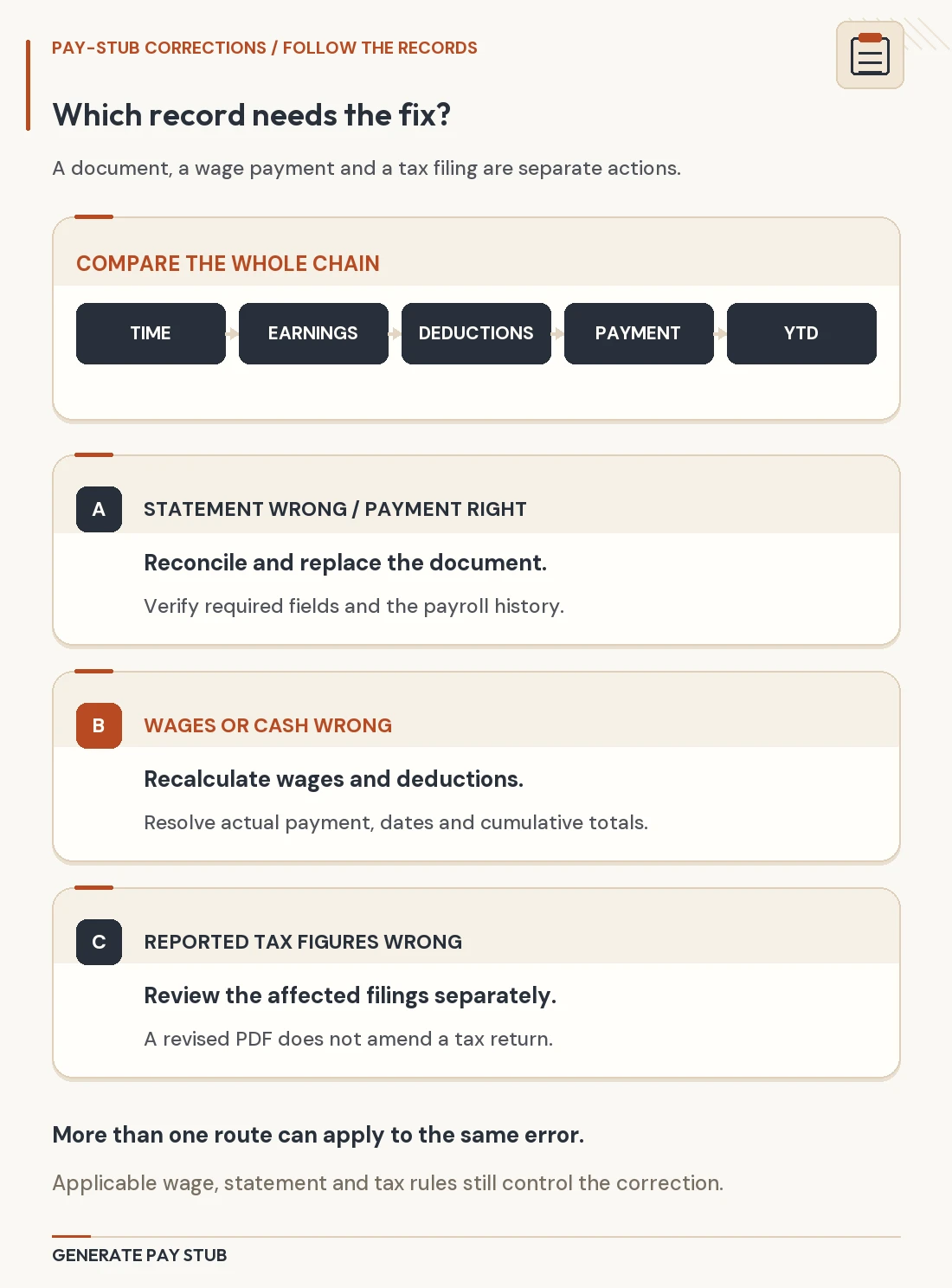
This is a presentation check, not a substitute for reconciling payroll. If a number itself is wrong, return to the underlying records and the preparation workflow. Patching a visible total in a PDF can leave related fields inconsistent.
Keep the complete original and any sharing copy distinct
Before sending the document to someone outside the payroll process, ask what they require and how they want to receive it. If they permit certain identifying details to be omitted, prepare a separate sharing copy and retain the complete original securely. Do not remove required information or obscure facts about earnings, employment, or payment dates.
For permitted redactions, use a tool intended to remove PDF content. Drawing a dark shape over a field is not a reliable way to remove the underlying information. Adobe’s PDF redaction instructions describe applying redactions and saving the result, with an option to remove hidden information as well. Follow the instructions for your chosen tool and review the saved sharing copy.
Keep track of which version is which. A name such as pay-statement-2026-09-18-sharing-copy.pdf can distinguish an authorized redacted copy from the complete record.
Make one final attachment check
Immediately before sending, open the attachment or uploaded file if the delivery system provides that option. Confirm all four points:
- The file belongs to the intended person and payment.
- Every page opens and its text is readable.
- The attached version is the reviewed version.
- The recipient and delivery location are correct.
If you use a sharing link, check its access settings rather than assuming only the named recipient can open it. Use the recipient’s designated secure submission method where available.
When to ask for help with the PDF
If a file generated through Generate Pay Stub has a clipped field, unreadable text, or an unexpected layout, contact our support team and describe the issue. Explain which section is affected and what you expected to see; avoid including unnecessary personal payroll information in an initial message.
You can also review the regular pay stub and enhanced pay stub options when deciding which fields you need. A readable, carefully checked PDF helps communicate the record, but the recipient determines which documents it accepts.