To get Walgreens pay stubs, use the employee access route supplied by Walgreens or request dated earnings statements from its payroll or HR team. The public W Connect page says its sign-in is for active team members. If you have left the company, cannot sign in or need a record that is no longer displayed, ask for the official copies and the secure process for receiving them. A bank deposit, an annual W-2 and a newly created document serve different purposes.
Reviewed November 21, 2026. This independent guide concerns U.S. Walgreens employment records. We checked public company guidance; we did not enter an employee account or inspect private payroll menus. Available screens, archive periods and access permissions must be confirmed with Walgreens for your account.
Where should a current Walgreens employee start?
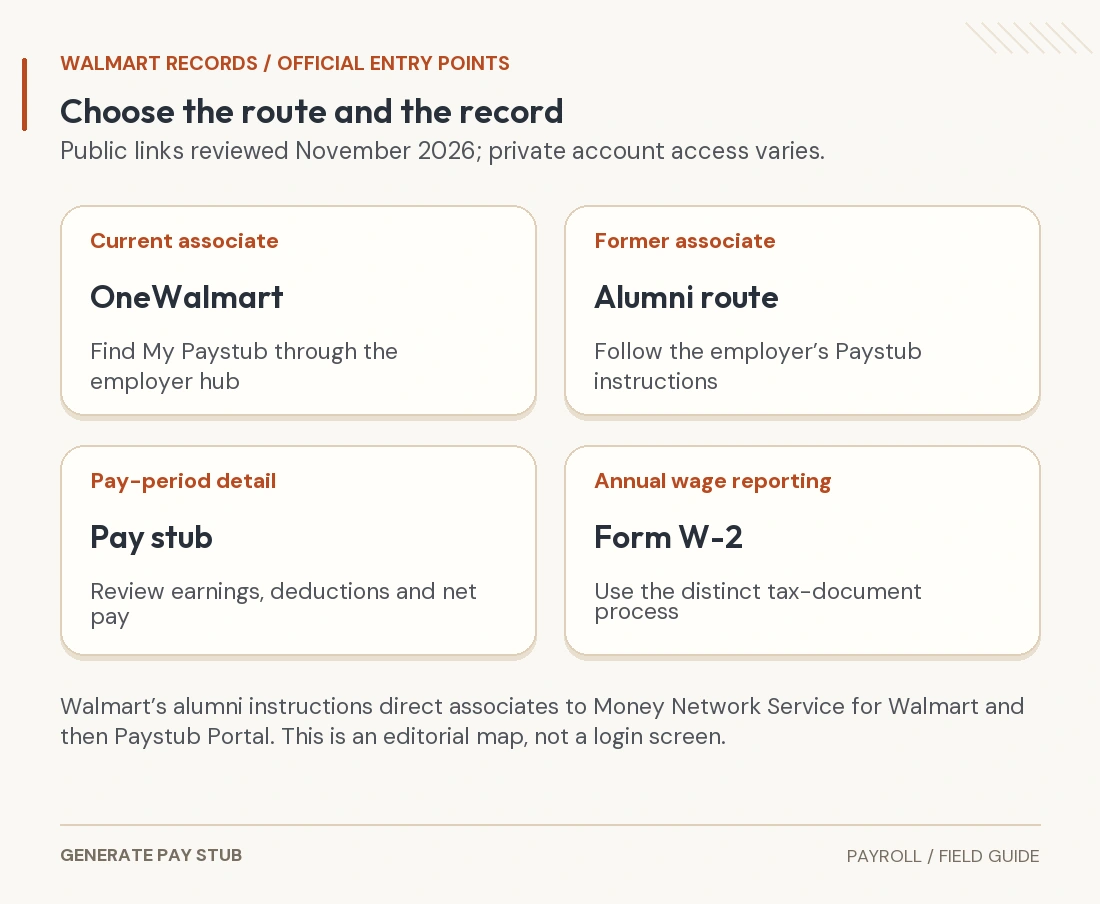
Start with your company-provided employee instructions. Walgreens’ public W Connect page identifies its sign-in as intended for active team members and directs customers to the ordinary shopping website or app. That distinction matters: a pharmacy shopping login is not the same task as retrieving your employment records.
Walgreen Co. also publishes W Connect By Walgreens in Apple’s App Store. The listing identifies the developer and describes company information and resources. It does not publicly document a current pay-statement menu. Use the access path your employer has given you; ask your manager or HR for the current payroll job aid if you cannot find it.
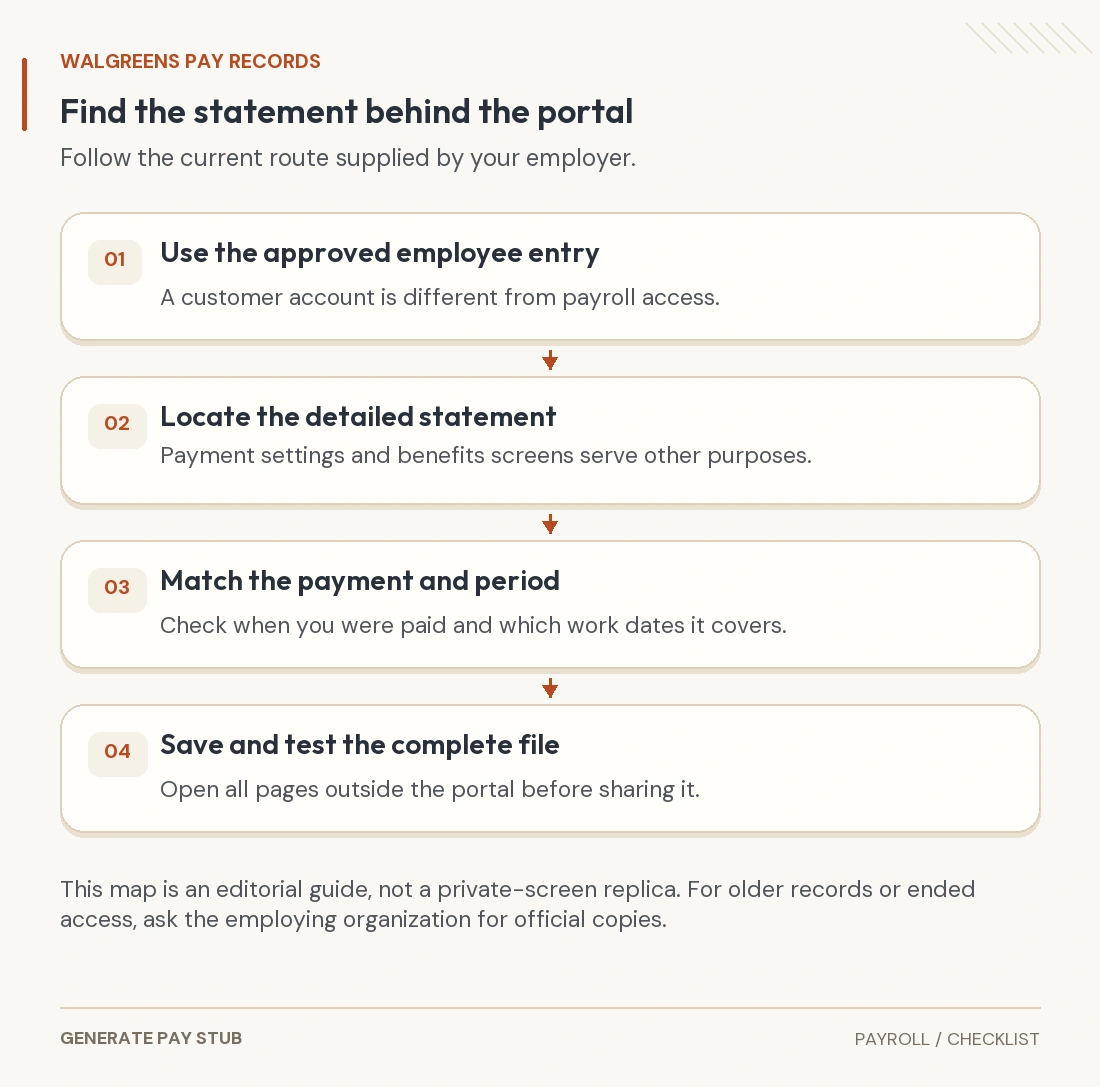
- Open the official route already provided through your employer, rather than a login address copied from an anonymous forum.
- Use your own authorized work credentials and the company’s required verification method.
- Inside the approved employee tools, find the earnings-statement or payroll-history function. Confirm the current location with company support if labels differ.
- Select the required payment date and open the actual statement before saving it. A pay-rate profile or bank-account setup page is a different record.
- Use the available download or print function, then inspect the saved file outside the portal.
These are record-retrieval steps, not a claim that every Walgreens account has an identical menu. People Central appears in many online walkthroughs, but this guide does not certify a particular sequence of private buttons, a universal payday or a guaranteed number of years of online access.

Request pay stubs by payment date, not just “last month”
Before searching, write down what the recipient actually requested: the latest two statements, a particular period, a year-end statement or a specific disputed payment. “Two months” and “two pay stubs” are not interchangeable. The work period and payment date also describe different events.
For a fictional request, suppose the required payment dates are November 6 and November 20. Ask for those two statements explicitly. Do not assume that a November 1–30 search means work performed in November, that only two payments must exist, or that this example describes Walgreens’ actual payroll calendar.
| Your need | Specify in the request | Check on receipt |
|---|---|---|
| Copies for an application | Required payment dates and the recipient’s document instructions | Each requested statement is present, complete and readable. |
| A particular earnings dispute | Payment date, work dates and the field or hours in question | The response addresses the disputed calculation or missing payment. |
| A complete wage history | Start/end dates and whether corrections or separate checks are included | There are no unexplained gaps or duplicate replacement versions. |
| An annual tax form | The tax year and whether an original or corrected W-2 is needed | The form is for the correct year and employer. |
A short request you can adapt
Please provide my official earnings statements for payments dated [dates]. If any statement was corrected or replaced, please identify the applicable version. My employee reference is [appropriate identifier]. Please tell me the approved identity-check and secure retrieval process.
Use your established employer contact route. Ask how to supply any additional verification securely; do not attach passwords, authentication codes or an unnecessary full Social Security number. Keep a copy of the request and any case reference, but do not post those details in a public support discussion.
What if you are a former Walgreens employee?
Do not assume active-employee sign-in will remain available after separation. If it fails, ask the former employer’s HR or payroll team how to obtain historical earnings statements. Explain whether you need pay stubs, a W-2, both, or a correction. A process published for one record does not establish the delivery process for every other record.
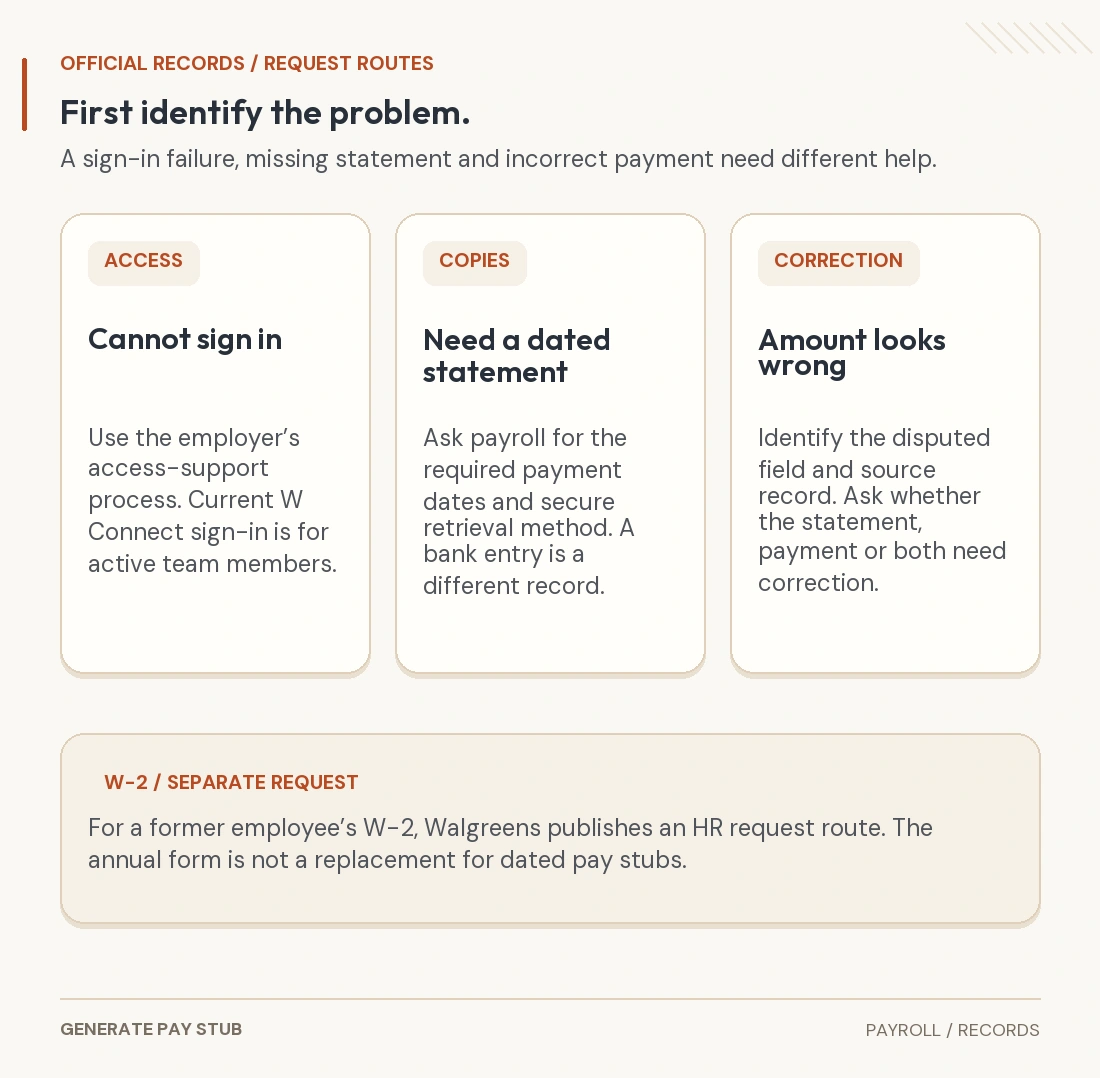
For a former team member’s W-2, the Employees section of Walgreens’ Company Info Help publishes askhr@walgreens.com and asks for your name, employee ID and the W-2 year. This is a confirmed company instruction for that tax-form request. If you also need dated pay statements, ask HR to direct that separate request to the appropriate records team.
For a missing annual W-2, the IRS describes an employer-first process and further help if it is still missing by the end of February. That annual tax-form process does not retrieve each historical pay stub. Our previous-employer W-2 guide explains the distinction in more detail.
Also confirm the address on file when a tax form will be mailed. Updating a delivery address and resolving an incorrect state withholding entry are different issues; the payroll-address correction guide separates them.
What should you check after downloading a statement?
Open the file you actually saved, not only the on-screen preview. Check the employer, employee reference, payment date and covered dates. Then inspect the earnings, deductions, current totals and YTD columns. A phone screenshot that crops off the second page or a deduction column may be incomplete even when the visible amount looks correct.
- Earnings: compare hours and effective rates with your time record and pay agreement; identify separate premiums or adjustments.
- Deductions: separate employee deductions from employer contributions and informational balances.
- Payment: reconcile the net amount with the stated payment distribution. One bank deposit may represent only part of a split payment.
- Cumulative figures: compare the same YTD category with the preceding statement, allowing for separately issued payments and corrections.
The Pay Stub Help 101 guide provides a complete worked payroll example. For a deposit mismatch, use the net-pay reconciliation guide before concluding that wages are missing. A statement alone does not establish whether the bank received or released the money.
Match the remedy to the problem
You cannot sign in
Use the recovery or support process on the employer-approved service. Describe the error without sending your password or one-time code. If your account is no longer eligible, request records through HR instead of repeatedly trying unrelated portals. A successful customer-account login does not establish employee access.
You can sign in, but a payment date is absent
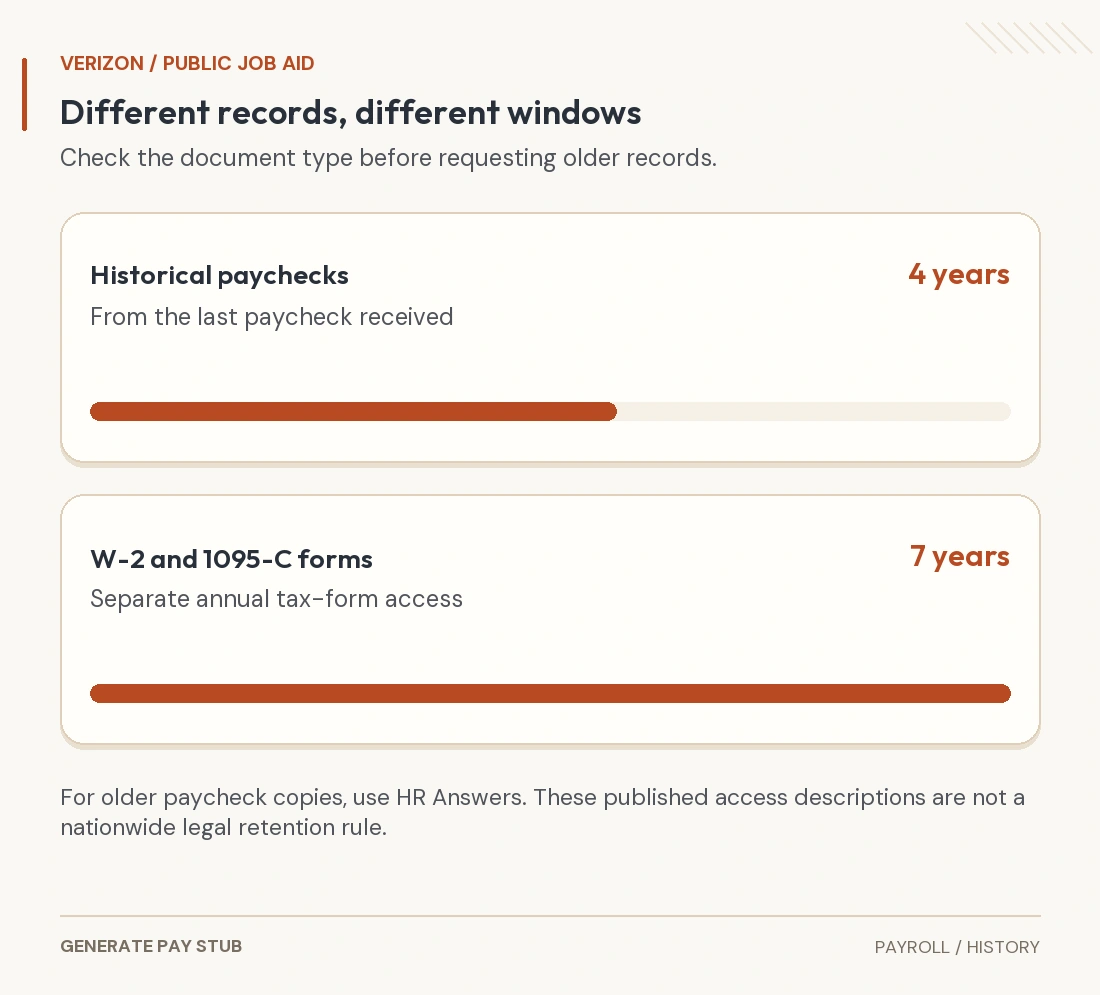
Check the selected date range and whether you are looking at current pay, historical documents or tax forms. If the needed statement is not available, ask payroll whether it is held in another archive or must be supplied separately. We have not verified a public Walgreens archive-duration promise or a turnaround guarantee.
The file opens, but an amount is wrong
Identify the particular hours, rate, deduction or cumulative figure and provide the supporting record. Ask whether the correction changes the document, the payment, the tax reporting or more than one of these. The incorrect-pay-stub guide explains the evidence to preserve. A replacement PDF does not by itself pay a wage shortfall.
Keep a usable copy without oversharing
Give each file a neutral name using the employer and payment date; omit full tax identifiers or bank details from filenames. Keep originals separately from any redacted application copies. Confirm the recipient and requested format before sending records, and use its secure upload channel when one is available.
Printouts should include every relevant page and readable dates and totals. If redaction is permitted, remove sensitive information properly rather than placing a cosmetic rectangle over selectable text. Our PDF redaction guide addresses hidden content and the final inspection. Store the unmodified employer copy securely so you can answer a later discrepancy.
Common Walgreens pay-record questions
Can a pay stub generator recover my Walgreens statements?
A document-preparation service does not access Walgreens’ payroll archive or authenticate your employment. Request the issuer’s existing statements. Recreating an attractive document from a deposit amount does not recover the original earnings and deductions or make it an employer-issued record.
Is my W-2 a replacement for two recent pay stubs?
Only if the recipient accepts it for that purpose. A W-2 summarizes an annual reporting period; dated statements show individual payroll details. Ask which documents are required before substituting one for the other.
Does a blank portal prove I was not paid?
No. Access, document availability and payment status are separate questions. Preserve the error or missing-date details and ask payroll for the statement and the relevant payment information.
Can I use the same instructions after the company changes systems?
Confirm the current route with the employer. A search result’s old menu labels or a saved single-sign-on session link may no longer apply. The useful constant is the record you are requesting: the correct employer, payment dates and applicable statement version.