A free paycheck calculator helps you estimate what remains after payroll withholding and the deductions you enter. Start with the correct year, pay frequency and wage amount, then inspect the individual tax lines before using the net figure in your budget. Generate Pay Stub’s state calculators project regular annual wages; the separate federal withholding, Social Security and Medicare tools can also examine a single payment.
This guide walks through the live tools available on November 6, 2026, including a checked $78,000 Texas salary example. Supported tax years are currently 2025 and 2026. Results are planning estimates under the displayed assumptions, rather than a determination of your final tax bill.
Which paycheck calculator should you open?
Use the free paycheck calculator directory to choose from all 50 states and Washington, DC. A state page combines federal income tax withholding, employee Social Security and Medicare, the selected state’s wage withholding, supported employee contributions and any known annual deductions you supply. This is the best starting point for an ordinary salary comparison.
The focused tools answer narrower questions without making you work backward from a complete net-pay estimate:
- Federal withholding calculator: examine the federal income tax line and modern Form W-4 adjustments.
- Social Security tax calculator: estimate the employee deduction, including a payment that reaches the annual covered-wage limit.
- Medicare tax calculator: inspect regular Medicare and the employer’s Additional Medicare withholding trigger.
Those focused results are individual tax components. Subtracting just one of them from wages would not produce a complete take-home-pay estimate.
What information should you gather first?
Have your wage agreement, pay calendar, most recent pay statement and withholding elections available. You do not need to type a name, Social Security number or email address into these calculators. Keep the evidence beside you so that you can compare amounts without uploading personal records.
For a straightforward full-year projection, identify:
- The year in which the wages will be paid, rather than the year you prepare a return.
- Your annual gross wages and the normal payment schedule.
- The state in which you both live and work, for the state tool’s ordinary same-state scenario.
- Your federal filing selection and W-4 adjustments, plus any certificate fields the chosen state page requests.
- Known annual local withholding or other cash deductions that the tool does not calculate automatically.
For a one-payment Social Security or Medicare check, also gather earlier covered wages paid by that same employer during the year. The prior-wage field excludes the payment you are now testing. Do not substitute household income or combine unrelated employers there.
How do you enter wages and W-4 settings correctly?
Keep annual wages separate from payment frequency
The state calculator asks for annual gross wages. Entering $3,000 because that is your usual biweekly check would model a $3,000 annual wage, not a $78,000 salary. In the example below, $78,000 divided across 26 payments produces $3,000 gross per payment.
The available schedules use 52 weekly, 26 biweekly, 24 semimonthly or 12 monthly periods. These are standardized projection counts. A real employer’s payday calendar can differ; check the actual calendar before multiplying an individual payment into a year. Our pay-schedule guide explains the distinction between every two weeks and twice a month.
Watch the unit attached to each W-4 amount
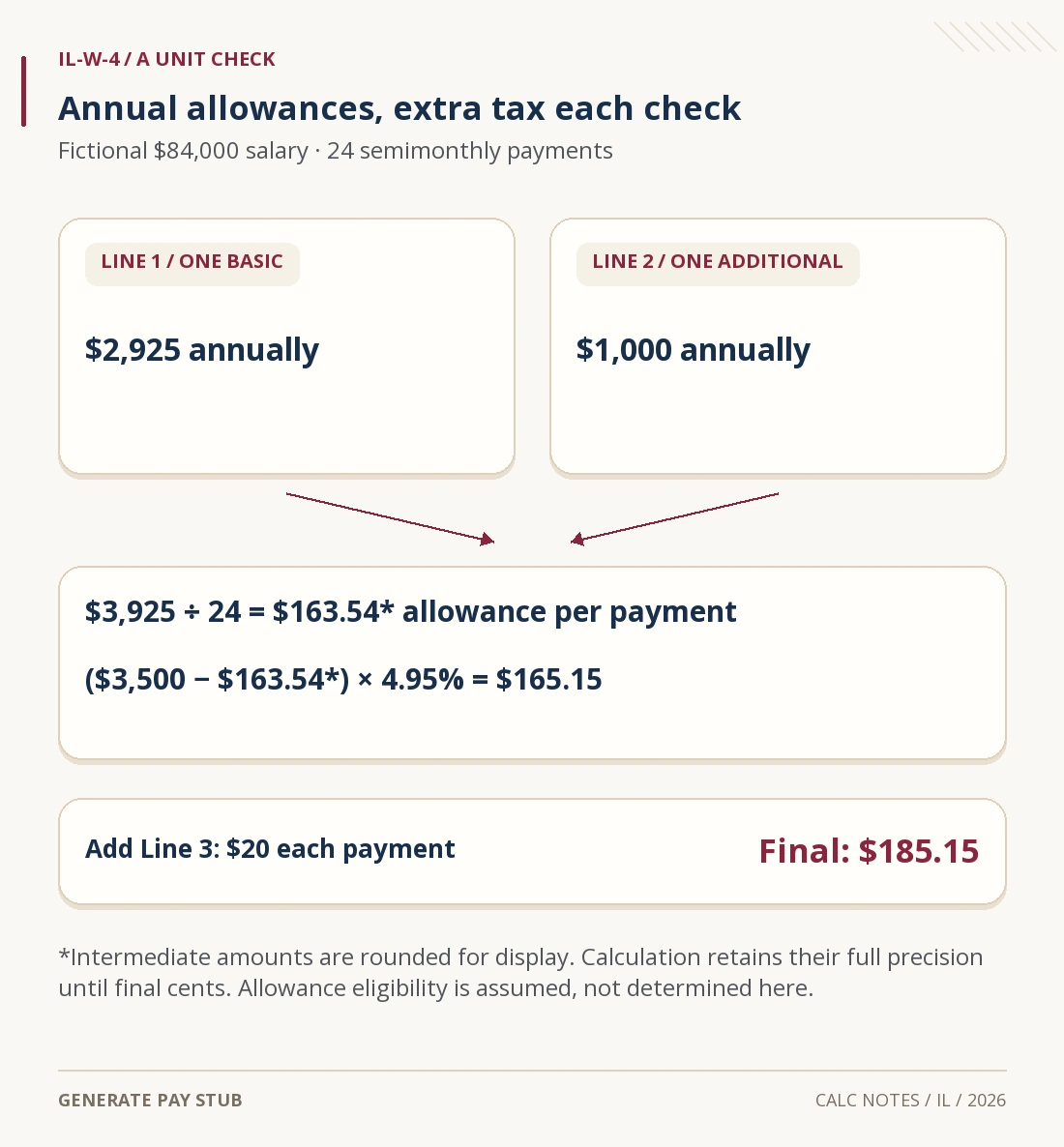
The calculator’s modern W-4 fields follow different units: Step 3 credits and Step 4(a)/(b) adjustments are annual amounts; Step 4(c) is extra withholding on each payment. Read the official 2026 Form W-4 when translating your actual elections. A $25 additional-withholding entry on a 26-payment schedule adds $650 to the projected annual withholding, assuming every payment can support it.
The multiple-jobs setting also changes the federal calculation. Do not select it simply because you once changed jobs; apply the instructions appropriate to your current arrangement. For help interpreting the form itself, see our W-4 completion guide. A calculator run does not submit a new certificate to your employer.
Read state-specific controls before calculating
State pages can request certificate allowances, filing choices or employee-program treatment. An employer-paid or not-covered setting models a particular situation; choosing it does not establish that the employer may pay the amount or that you qualify for an exclusion. Confirm the treatment with payroll and the relevant state agency.
A checked example: $78,000 in Texas, paid biweekly in 2026
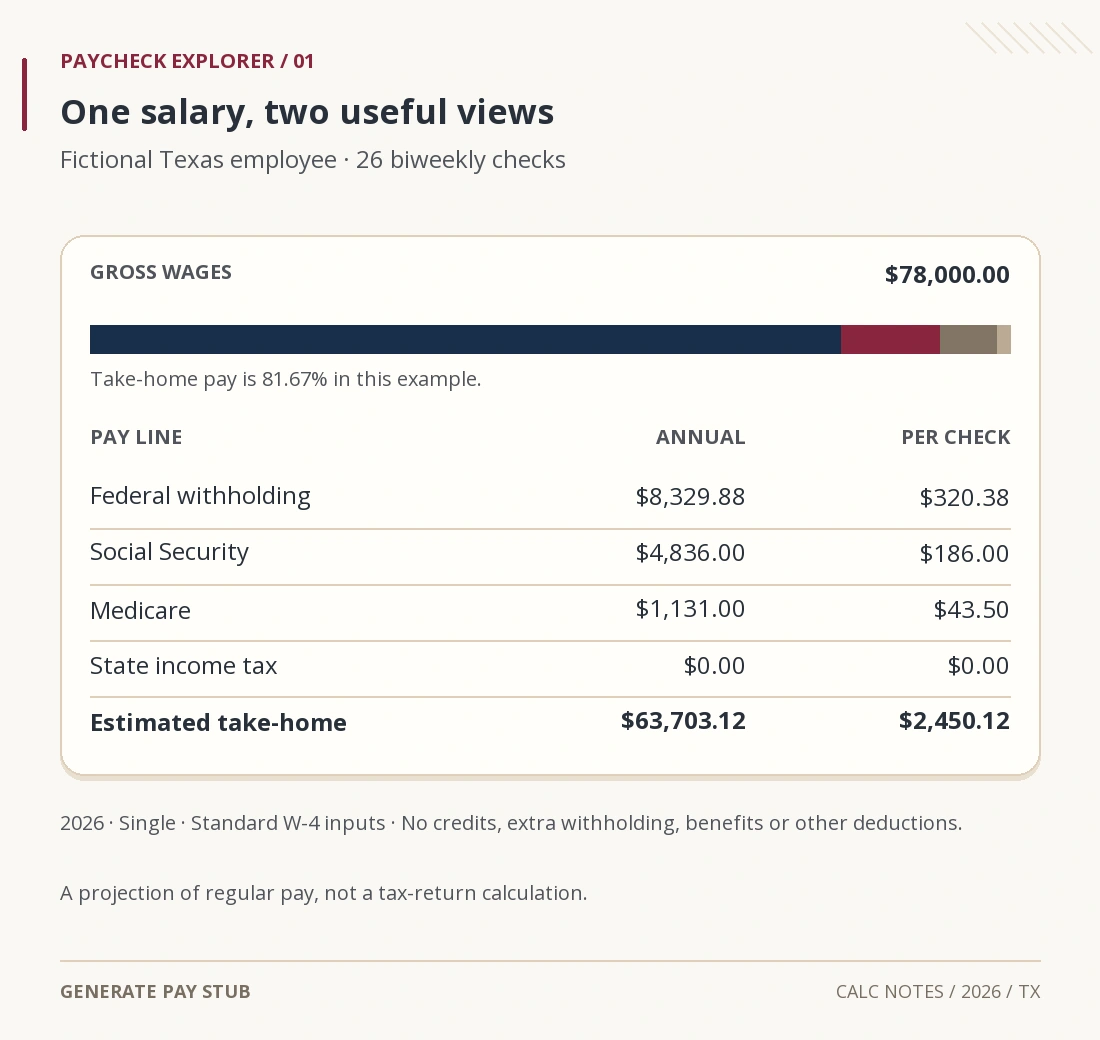
Consider a fictional employee who lives and works only in Texas, receives regular wages from one employer throughout 2026 and selects Single. We enter $78,000 annual wages and biweekly pay, leave the multiple-jobs box off, and set credits, other income, deductions and extra withholding to zero. There are no benefits or other payroll adjustments in this example.
Texas has no personal state income tax, as confirmed by the Texas Governor’s economic development office. That removes a state income tax line here; federal deductions still apply. The live Texas paycheck calculator produced the following results when checked for this guide.
| Pay component | Annual estimate | Each payment |
|---|---|---|
| Gross wages | $78,000.00 | $3,000.00 |
| Federal income tax withheld | $8,329.88 | $320.38 |
| Employee Social Security | $4,836.00 | $186.00 |
| Employee Medicare | $1,131.00 | $43.50 |
| State income tax withheld | $0.00 | $0.00 |
| Estimated take-home pay | $63,703.12 | $2,450.12 |

The payment arithmetic is $3,000 − $320.38 − $186 − $43.50 = $2,450.12. Multiplying that net amount by 26 gives $63,703.12. Social Security and regular Medicare are independently checked at 6.2% and 1.45% of these assumed covered wages; the 2026 Social Security ceiling is $184,500. These rates and limits are listed in IRS Topic 751.
Federal withholding uses the payroll method in 2026 IRS Publication 15-T. For these assumptions, the annualized percentage calculation gives $8,330 before conversion to a payment amount. Dividing by 26 and rounding gives $320.38; summing 26 rounded payments gives $8,329.88. The 12-cent difference is explained by payment-level rounding. Neither amount is a calculation of this employee’s final return liability.
What happens when you add a known annual deduction?
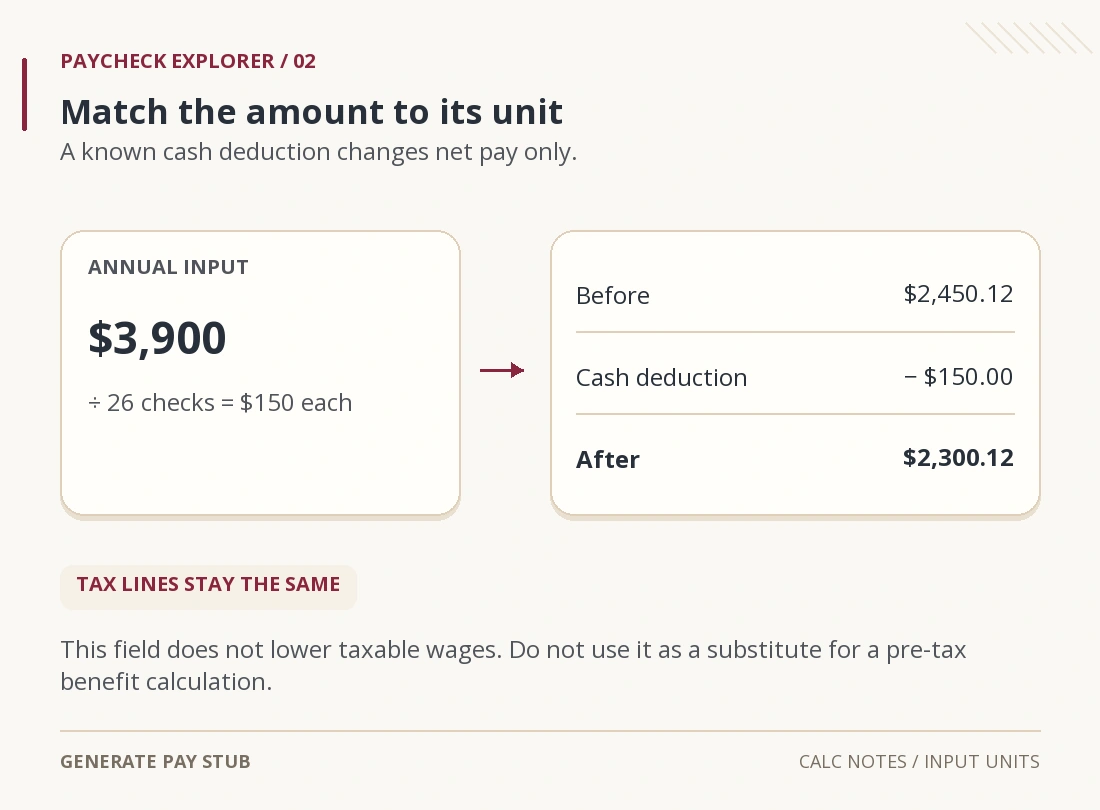
Now rerun that exact scenario with $3,900 in the other annual deductions field. The calculator allocates $150 to each biweekly payment. The existing tax lines remain unchanged, annual estimated take-home pay becomes $59,803.12, and the payment estimate becomes $2,300.12.
This input is useful for a known cash deduction you want included in a budget. It does not recalculate separate federal, Social Security, Medicare or state wage bases. Entering a retirement or insurance amount here therefore does not reproduce the tax treatment of a pre-tax benefit. Compare the distinct wage bases on your real statement; our gross-versus-taxable-wages explanation gives an example of why those bases can diverge.

Why might your actual paycheck differ from the estimate?
First compare the assumptions, not just the final number. The state tools currently spread ordinary wages over a full year, use one employer and assume that residence and work are in the selected state. They apply the selected published rule set to that projection. They do not reconstruct earlier paychecks under a different withholding-table revision.
- Different taxable wages: actual benefits, noncash compensation and payroll exclusions may produce several wage bases; the basic state projection starts from the same gross figure.
- Uneven earnings: bonuses, commissions, tips, overtime and a partial employment year can change both timing and withholding methods.
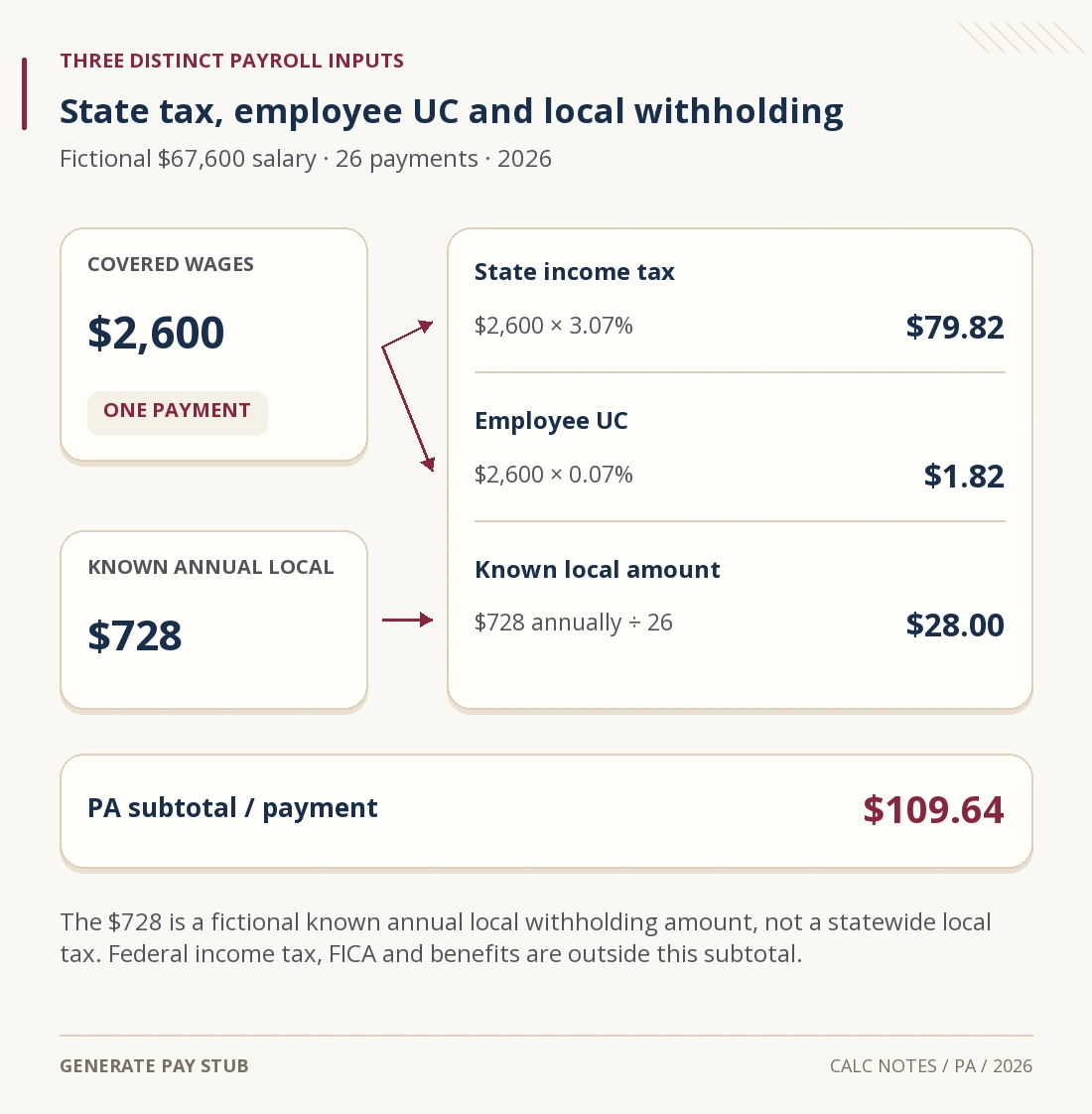
- Local taxes: the known annual local-tax field is an amount you supply. It does not discover a city, school district or other local rate from your address.
- Employee programs: supported percentage-based deductions may appear automatically. Some hourly or premium-based programs are explicitly excluded. Read the exclusions; absence from the estimate does not mean the deduction is legally zero.
- Caps and thresholds: Social Security may stop later in a year, while Additional Medicare withholding can begin after the employer’s threshold. An annual average is not a promise that every check will match it.
- Cross-border facts: remote work, a move, reciprocity or nonresident allocation can require information outside the single-state model.
If the employer’s gross wages match but the net amount does not, work line by line using our net-pay reconciliation guide. The calculator alone cannot identify which payroll election or adjustment caused the difference.
What should you do with the result?
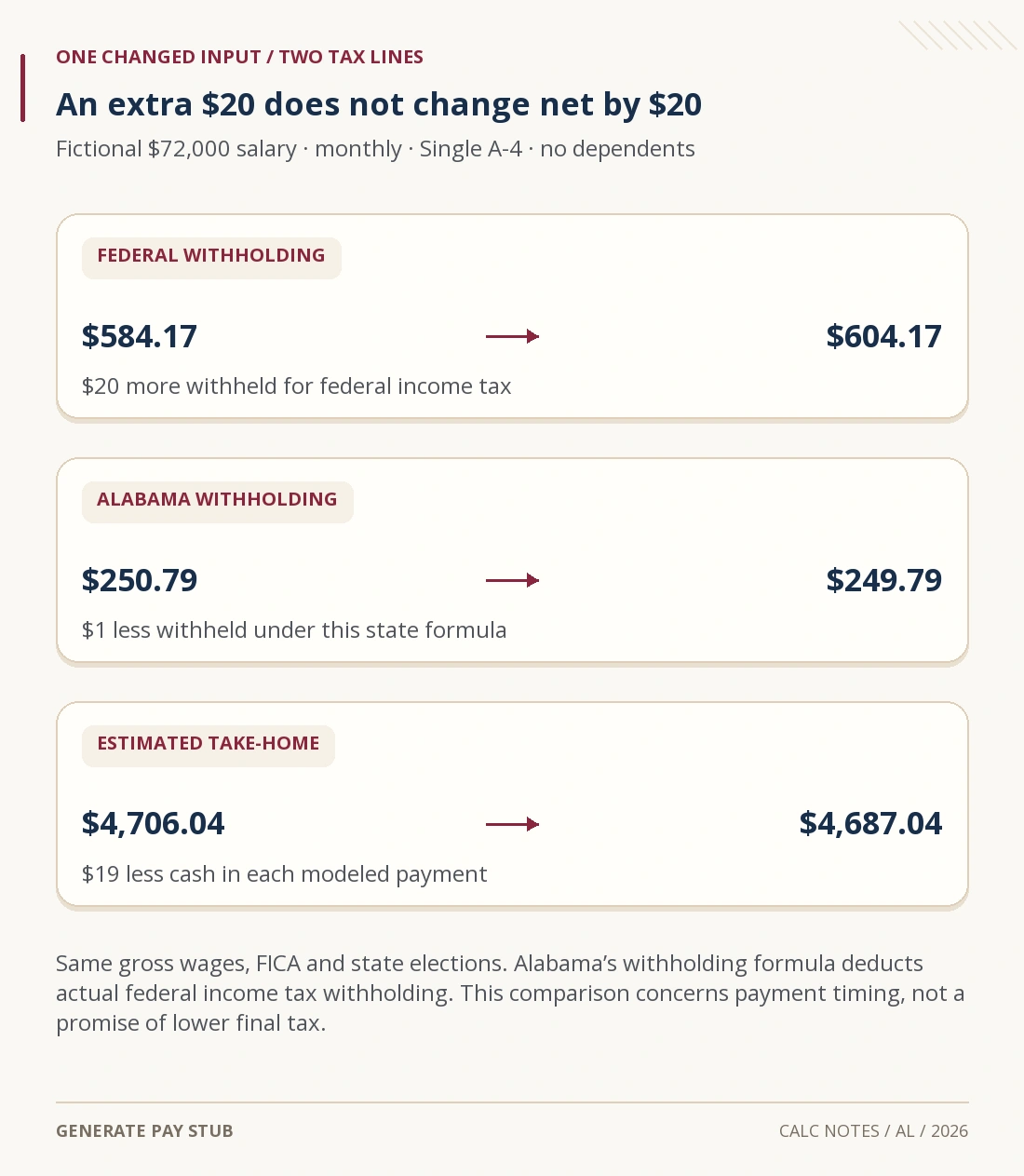
Record the year, wages, schedule, withholding choices and excluded items next to the estimate. Then change one input at a time. This makes a salary or deduction comparison explainable: you can identify what changed instead of treating a new net amount as a guarantee.
Use the annual view for a broad budget and the per-check view for a regular-payment comparison. A monthly average divides a year into 12; it does not count which months contain two or three biweekly paydays.
For a midyear federal withholding decision, the IRS Tax Withholding Estimator can consider year-to-date withholding and household information that this simple annual projection does not collect. Have recent pay statements, a spouse’s information when relevant and your latest return available. Send any revised withholding certificate through your employer’s normal process.
Common questions about the free paycheck calculators
Can I use the result as proof of income?
A calculated estimate is not an employer-issued wage record or evidence that a payment occurred. For verification, use genuine records requested by the recipient. Generate Pay Stub’s separate pay-statement service and the free calculators serve different purposes.
Can I type hourly pay into the annual wage field?
Convert your expected paid hours into a defensible annual wage estimate first. Typing an hourly rate alone would understate the input. If hours or overtime vary, a single annual figure will not reproduce each actual payment.
Does the state tool estimate a tax refund?
No. Its federal income tax line estimates withholding from the modeled wages and elections. Your final return also depends on facts such as other income, filing circumstances, deductions, credits and payments made elsewhere.
Are the calculations free to try?
The reviewed calculator pages provide their estimates without a payment, name or email entry. Choose the matching year and inspect the assumptions with the result. A later paid document purchase is a separate choice.
Tool behavior and official references checked November 6, 2026. Examples are fictional US employee-wage scenarios for 2026; unusual payroll arrangements require a more specific review.