To prepare several employee pay stubs together, establish the correct starting payroll balances, enter each payment's actual dates and amounts, then review the series in chronological pay-date order. A new layout or a newest-first display does not change the underlying payroll history. Each statement must remain supported by the employer's records.
The difficult part of a multi-stub order is often the connection between documents: one wrong opening YTD figure or repeated pay period can affect every statement that follows. This guide shows how to check that connection before generating the final copies.
Checked November 5, 2026. This U.S. document-preparation guide uses a fictional three-payment series within 2026. It assumes one employer, one employee and no intervening reversals, corrections or off-cycle payments. The stated earnings and federal withholding are supplied payroll-record amounts, not calculated tax estimates.
When is it useful to prepare multiple employee pay stubs together?
A series workflow helps an authorized preparer organize several genuine payroll statements consistently. It can be useful when preparing a run of supported documents or recreating employer-authorized copies from intact historical records.
First identify what the documents represent. A historical statement should reflect an actual payment record. A proposed future payroll calculation is a different task and should not be presented as proof that wages have already been paid.
If you are an employee seeking official copies, ask the employer or payroll provider for them. A statement assembled from your own rough estimate cannot authenticate an employer's records. See accessing pay stubs through a payroll portal for retrieval questions.
This article focuses on the series itself. For the detailed wage calculation behind one statement, use the worked payroll example. For an error in the underlying pay, use the payroll correction guide.
Which source record should anchor the series?
Start with the approved payroll record immediately preceding the first statement you are preparing. Verify that it belongs to the same employee, employer and calendar year, and that its totals include all relevant processing through that point.
Collect the subsequent payroll register entries, payment dates, earnings details and actual withholding and deductions. Also check for voids, reissued checks, off-cycle bonuses or adjustments between the chosen baseline and the first new statement.
DOL's recordkeeping fact sheet distinguishes work time, pay basis, earnings, additions and deductions, payment dates and covered periods. The underlying records must be accurate; a visually consistent series cannot repair a missing source transaction.
When the starting totals are uncertain, do not fill the gap by multiplying one typical paycheck by a guessed number of earlier periods. Record what is unresolved and obtain the missing ledger information before issuing historical statements.
How should you enter pay dates and pay-period dates?
Enter the actual dates for each payment and review them as a sequence. The period describes the earnings window; the pay date identifies the payment. Do not assume the period always ends the day before payday.
For the fictional series below, the pay periods are September 7–20, September 21–October 4, and October 5–18, 2026. The corresponding pay dates are September 25, October 9 and October 23. These dates illustrate a particular schedule, not a required payday arrangement.
A generator may suggest dates from a frequency and direction. Compare every suggestion with the actual register. Manually changed dates can also need review after a schedule update. A neat two-week pattern does not prove that a holiday, off-cycle payment or employer-specific lag was handled correctly.
If a series crosses into a new calendar year, resolve the year boundary before carrying totals forward. Our pay-date and tax-year guide explains why the work-period label alone does not determine the reporting year.
How do starting YTD figures roll forward across the series?
Use the verified opening balance, then add each applicable current amount once. Calculate the sequence in chronological order even if you later display or distribute the newest statement first.
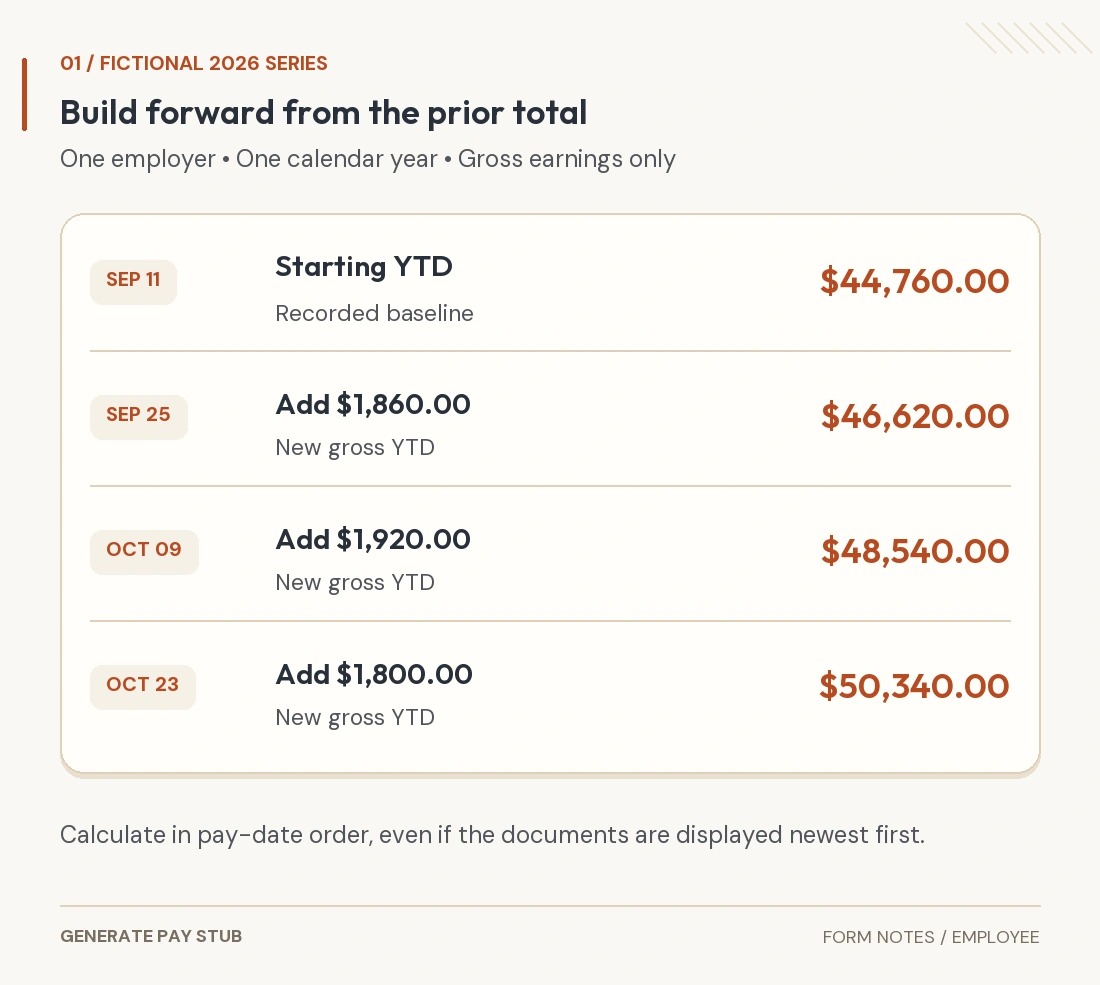
Assume the employee's recorded gross YTD through the September 11 paycheck is $44,760, and federal income tax withheld YTD is $4,012. The next three register entries provide the following current amounts and cumulative results.
| Pay date | Current gross | Gross YTD | Current federal tax | Federal tax YTD |
|---|---|---|---|---|
| September 25 | $1,860.00 | $46,620.00 | $168.00 | $4,180.00 |
| October 9 | $1,920.00 | $48,540.00 | $181.00 | $4,361.00 |
| October 23 | $1,800.00 | $50,340.00 | $159.00 | $4,520.00 |
The first gross total is $44,760 + $1,860 = $46,620. The next statement adds $1,920, reaching $48,540. The last adds $1,800, reaching $50,340. The federal withholding column follows its own recorded sequence: $4,012 + $168 + $181 + $159 = $4,520.

The example deliberately supplies federal withholding from the register. It does not infer the correct withholding from gross earnings alone. The complete statement would also need every applicable wage, deduction and payment detail.
How do you avoid counting the previous paycheck twice?
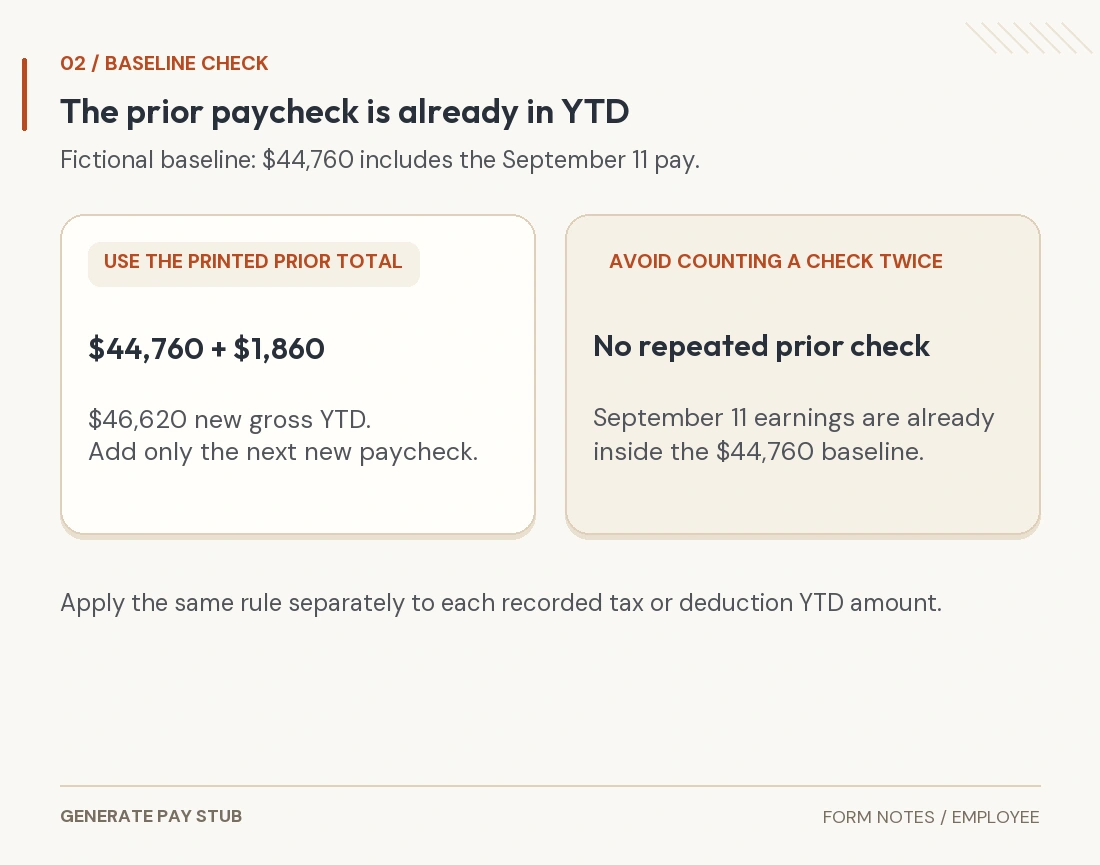
The prior statement's printed YTD already includes that statement's current paycheck. Enter that cumulative figure once as the opening balance for the next new payment.
In this example, September 11 earnings are already inside $44,760. To prepare September 25, add its new $1,860 to that balance. Do not add the September 11 current gross again before adding September 25.

Apply the same logic when using a “previous periods worked” option: the previous-period count should exclude the new statements being created. An estimate based on a period count also remains an estimate; it does not replace actual historical figures where precise records are required.
When multiple statements are ordered newest first, verify that the underlying dates and YTD amounts still correspond to the right individual payment. Sorting changes presentation, not when earnings entered the record.
Which amounts need their own cumulative review?
Review each recorded category separately. Gross earnings, federal taxable wages, Social Security wages, Medicare wages, tax withheld and benefit deductions do not necessarily share a single total.
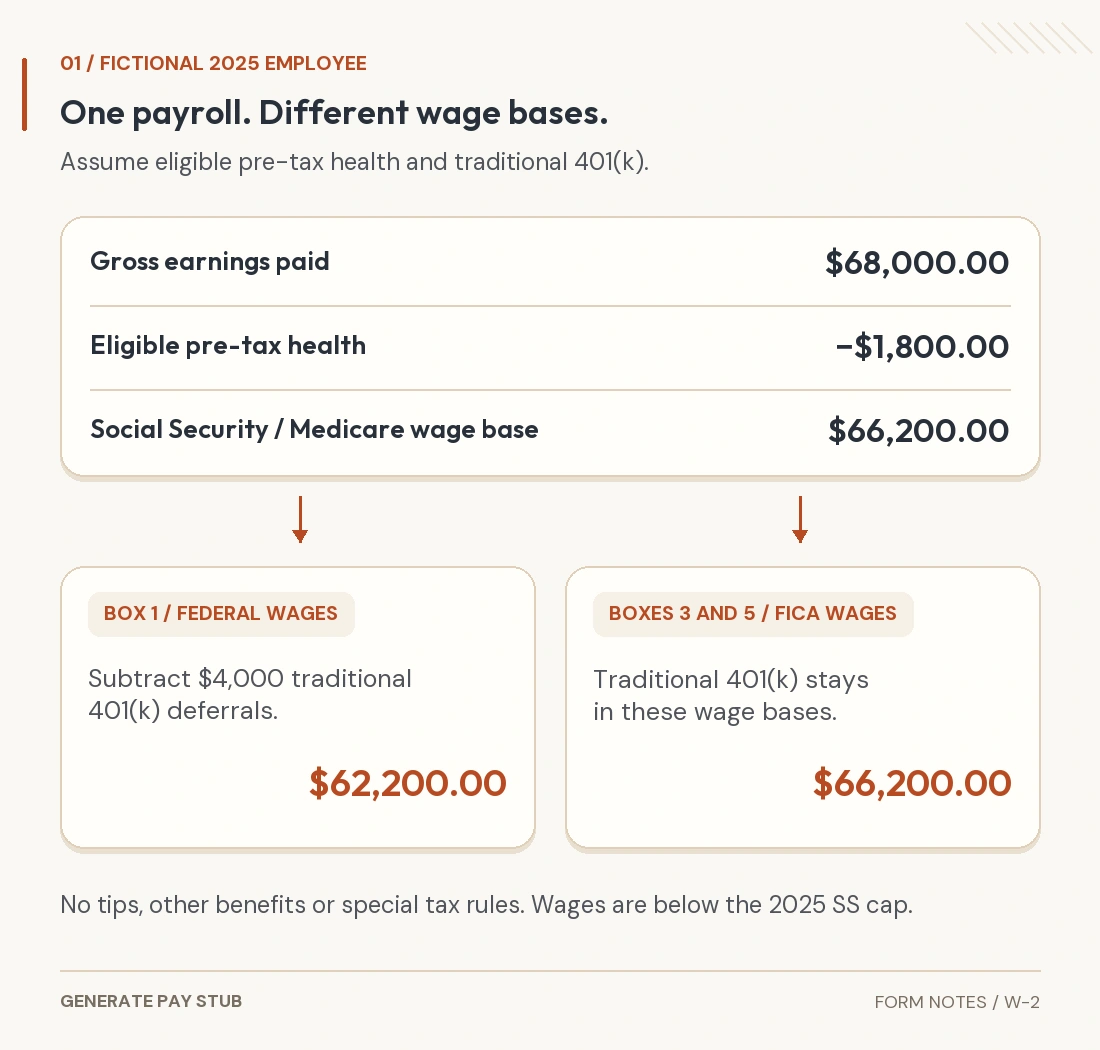
A traditional retirement deferral and an eligible health deduction can affect different tax bases. A reimbursement or noncash benefit can also change the relationship between a statement's gross amount and the bank deposit. Link the payroll definitions to the figures rather than forcing every column to rise by the same amount.
Our wage-base guide explains those distinctions. Use the YTD reconciliation guide when the cumulative result differs from the register.
A series check should identify the reason for a difference, such as a genuine adjustment, rather than overwriting the earlier statement to make the sequence appear smooth. Resolve an accounting or payroll error through the proper correction process.
How do you choose a useful pay-stub layout?
Choose a design that can display the information the actual record needs. Start with readability and required fields, then adjust appearance.
The current maker offers several designs with different space and detail. Some additional employer fields are not displayed on the Regular design. Review the final output, not just the input form, to confirm the information you need actually appears.
Use clear labels and enough room for longer employer names, employee names, earnings descriptions and deduction rows. For each statement in the order, inspect figures with more digits and rows that wrap differently. A layout that works for one sparse paycheck can need another look when the next has a bonus or extra deduction.
If zero rows are hidden, confirm that the display still communicates the required information and does not conceal a meaningful balance. A row with a zero current amount can still have a nonzero YTD value.
Does choosing a design establish state pay-stub compliance?
No. Check the rules applicable to the actual employment and payment. DOL's FLSA pay-stub explanation distinguishes employer wage-and-hour records from a federal obligation to furnish a stub. State law can impose additional statement and delivery requirements.
For example, California's payday and statement guidance describes itemized wage information, including gross and net wages, deductions, inclusive period dates, employer legal identity and applicable rates and hours, subject to relevant exceptions. Its identifier rule permits the last four SSN digits or a qualifying employee identifier on the statement. That is a California example, not a complete national checklist.
Use our state-template review guide to organize the review. Check requirements beyond the visible fields too, including timing, delivery and access. A formatted series does not establish that wages were paid or payroll taxes deposited.
What should you check before releasing the complete series?
Review both individual statements and the connections between them. Work through the following before completing the order:
- Confirm the employee and employer on every document.
- Match each pay date and covered period to its own register entry.
- Check earnings, taxes and deductions against that period's records.
- Reconcile the opening and closing cumulative amounts category by category.
- Look for repeated payments, gaps and off-cycle entries.
- Inspect all pages at normal reading size and on a phone.
- Verify the recipient, authorized delivery route and retained employer copy.
If the series is being provided for a loan, rental or another verification request, ask what the recipient actually requires. A document maker cannot guarantee acceptance. Give accurate records through the required process rather than changing dates or earnings to fit an application target.
How can you use the employee pay-stub maker for the series?
Use the maker as a document workspace supported by your payroll records. The main pay-stub guide explains its sections. The employee maker currently supports one to twelve statements per order.
Select employee treatment and an appropriate design. Enter the actual company and employee details, pay arrangement and schedule. For a precise starting point, use the prior same-year statement's recorded YTD amounts where the tool provides those fields. Do not include a new statement in the prior-period count or opening totals.
Review suggested dates and enter each statement's correct period information. Check every calculated amount against the actual payroll record and resolve differences before continuing. A simplified marital-status or exemption selector is not a substitute for the employee's full tax elections or current official payroll calculations.
Inspect the complete preview and the current order-completion instructions. The service organizes your entries into documents; it does not authenticate employment, run the employer's payroll system or determine that every legal requirement is met.
General U.S. document-preparation information. Fictional figures are not proof of employment or payment. Use authorized payroll records and applicable federal, state and local requirements.